StreamingPublished 5 min read
IPTV vs traditional TV: what actually changes
Aerial, satellite, cable or IPTV? A clear comparison of how each one reaches your TV, what switching changes day to day and the trade-offs to expect.
At a glance
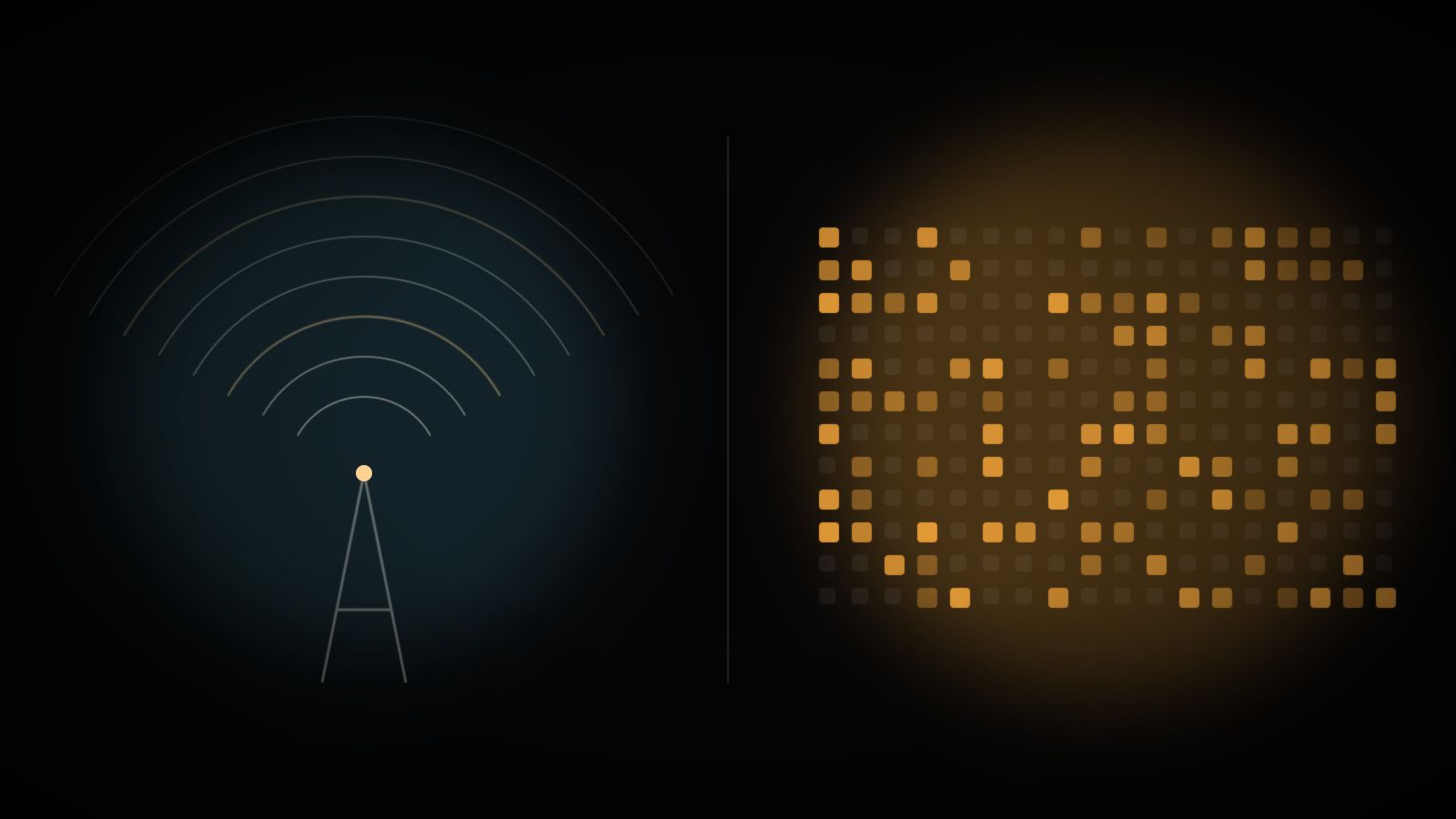
- Traditional TV broadcasts one signal to everyone; IPTV sends a separate stream to each device that asks for it.
- IPTV needs no dish, aerial or cable socket, and works on TVs, phones, tablets and computers.
- The main trade-off is your reliance on broadband: a weak or crowded connection shows up as buffering.
- Live IPTV streams can run a few seconds behind an aerial or satellite broadcast of the same programme.
Changing how you watch television used to mean an engineer on a ladder, a new box under the TV and a contract measured in years. IPTV removes most of that. It also changes what your viewing depends on, so it pays to understand the trade-offs before you cancel anything.
This guide sets the three traditional routes, terrestrial, satellite and cable, against IPTV, and looks at what really changes once you’ve made the move.
How traditional TV reaches your home
All three traditional methods share one idea. A broadcaster sends out a signal, and every receiver within range picks up the same thing at the same moment.
Terrestrial TV travels from transmitter masts to the aerial on your roof or in your loft. It carries free-to-air channels in most countries, but reception depends on where you live, what stands between you and the mast and, now and then, the weather.
Satellite TV beams the signal down from orbit to a dish pointed at a precise spot in the sky. It covers huge areas, including rural homes that terrestrial signals struggle to reach. You need a clear line of sight, a correctly aligned dish and a compatible receiver.
Cable TV runs along a physical network laid under the street, usually by an operator that also sells broadband and phone services. It’s dependable, but only available where that operator has built its network.
In each case, channels are pushed to you around the clock, watched or not. Your box simply tunes in.
What IPTV does differently
IPTV turns that model around. Nothing is broadcast to everyone. When you pick a channel, your device asks a server for it, and the server sends a stream to you alone, over the same broadband line you use for everything else. For a fuller explanation of the mechanics, see our guide to what IPTV is and how it works.
Three practical consequences follow.
- No reception equipment. No aerial, dish or cable socket. A compatible app on a device you probably already own is enough.
- Live and on-demand in one place. Because every stream is requested individually, the same service can offer live channels alongside films and series you start whenever you like.
- TV on more than one screen. The service isn’t tied to a single box in the living room. Smart TVs, streaming sticks, phones, tablets and computers can all run it, and our page on compatible devices lists what’s supported.
Side by side
| Terrestrial | Satellite | Cable | IPTV | |
|---|---|---|---|---|
| How it arrives | Radio signal to an aerial | Signal from orbit to a dish | Dedicated cable network | Your broadband connection |
| Equipment | Aerial and TV tuner | Dish and receiver | Operator’s box and cable socket | Compatible device and player app |
| Installation | Aerial fitting if needed | Dish fitting and alignment | Operator connection | Install an app, enter access details |
| Availability | Depends on transmitter coverage | Needs a clear view of the sky | Only where the network exists | Anywhere with suitable broadband |
| On-demand content | Limited | Limited, varies by receiver | Often available | Built in |
| Phone, tablet or laptop viewing | Rarely | Rarely | Sometimes, via the operator’s app | Yes |
| Main weak point | Reception and coverage | Weather and dish alignment | Geographic reach | Speed and stability of your connection |
What you gain day to day
The biggest change is flexibility. You’re no longer tied to a fixed installation, so moving house, rearranging the living room or watching in the bedroom doesn’t involve an appointment. If the TV can run a compatible app, or you plug in a streaming device, you’re ready.
On-demand viewing changes habits, too. Instead of planning an evening around a schedule, you can start a film when it suits you and pick up a series where you left off. Live channels are still there, with an electronic programme guide (EPG) showing what’s on now and next.
You also get more say over commitment. Many IPTV services sell fixed periods rather than open-ended contracts. A 4K Media IPTV subscription, for example, comes in 1, 3, 6 or 12-month plans, so you choose the length upfront and know exactly when it ends.
Picture quality can be excellent as well. Depending on the channel or programme, IPTV can deliver HD, Full HD or 4K, provided your screen, device and connection can keep up.
What you give up
A fair comparison has to cover the downsides.
Your broadband becomes your TV signal. If your connection is slow, unstable or shared with several heavy users at once, you’ll see it as buffering or a softer picture. A traditional broadcast doesn’t care what else is happening on your network.
Live streams can lag slightly. Encoding, sending and buffering a stream takes time, so live IPTV often runs a few seconds behind an aerial or satellite broadcast. With films and series this makes no difference at all. During a live match, you might hear the neighbours react first.
Your home network matters. A router at the far end of the house, an ageing Wi-Fi setup or a crowded network can all drag quality down. The fixes are usually simple, and our guide to improving streaming quality works through them in order.
Is IPTV a good fit for you?
IPTV tends to suit you if:
- you already have reliable broadband, ideally fibre or a good cable line;
- you want live channels and on-demand content in a single app;
- you watch on more than one screen, or move around the house;
- you’d rather avoid dishes, aerials and installation visits.
It deserves more thought if your broadband regularly slows to a crawl in the evening, or if you live somewhere with patchy coverage. There, a terrestrial or satellite service may still be the steadier option, at least until your connection improves.
Plenty of households end up with a mix: an aerial for a handful of free-to-air channels and IPTV for everything else. Nothing says you have to pick just one.
Before you switch
Start with your connection. Run a speed test in the evening, when you’d normally be watching, and note how steady the result is across a few days. Then check which of your devices can run a compatible player app.
If both look healthy, have a look at the plans and pricing and pick a duration that gives you time to judge IPTV properly in your own home, on your own connection.